
Black Magic
Proofing solution designed for demanding press and print environments.
Based on a colour management system honed by decades of print industry experience, Blackmagic automatically assembles press plate files for proofing directly from your CTP RIP.
At Serendipity, we understand commercial printing is complex. Multiple presses and substrates. Multiple printers for producing proofs. Print-on-demand work to a vast array of media types.
We know you want fast, efficient, and above all, accurate proofs. Proofs that don't interrupt your workflow, and that precisely reproduce any press process.
Blackmagic is all the proof you need.
The Complete Colour Management Solution

Colour Management
Blackmagic features an ICC v4.2 compliant colour management system with true 16-bit processing for enhanced colour depth and finer colour control.
- Import press ICC profiles to match your CMYK or multi-colour press standard.
- Process files containing halftone, stochastic, hybrid, or any other screening type.
- Press ink and platesetter dotgain compensation normalises plate files for proofing.
- Real Dot Technology delivers your proofs with exactly the same dot structure as source platesetter RIP files.
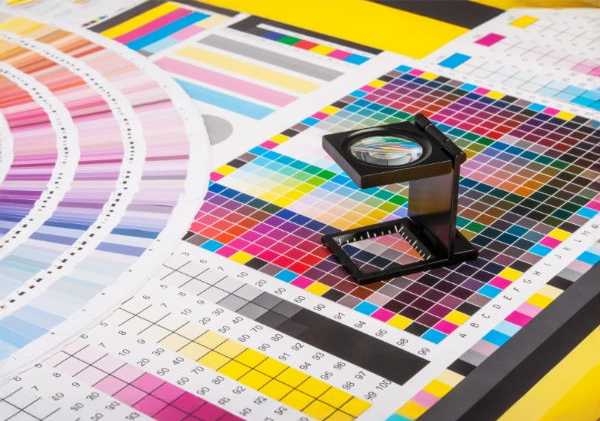
Colour Verification & Spot Colours
Certify the colour accuracy of your proofs using an integrated system for creating and measuring verification charts against Δe, ΔH and ΔCh tolerances. Generate Calcheck charts from imported CGATS data, directly from press ICC profiles, or create customised charts. Print standalone charts or attach them to jobs to ensure your colour is contract standard.
- Create or import unlimited Lab, CMYK, RGB, or multi-colour spot colour libraries.
- Lab (Multi) special colour support allows spot inks to be specifically characterised, defining the Lab values of a colour at different tint levels.
- Blackmagic uses spot colour paint modes and ink merging to accurately reproduce the process and spot inks of your presses.
- Truespot colour iteration optimises your spot colours for peak accuracy on any proofing media.
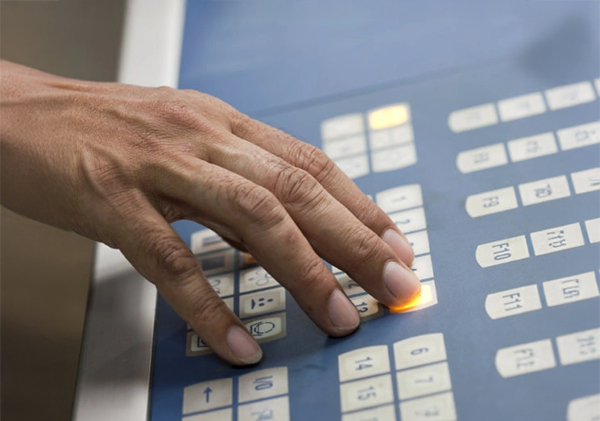
Press RIP Integration & Workflow
Blackmagic interprets the native file format, directory structure, assembly and imposition data of your platesetter RIP.
- Virtual Press allows you to manage, assign and change job plates.
- RIP Monitor polls and interprets the native file format, directory structure, plate assembly and imposition data of all major manufacturer proprietary RIPs. Use it to configure automated proofing workflows.
- An integrated Job Genie can be programmed to read your filename format and stitch single plates into full colour jobs and publications.
- Submit files via drop folders, directly from any application, or the desktop.
- Use Jobtickets to precisely control your job processing and print options.
- Display, monitor, and manage submitted files with the Jobs interface.
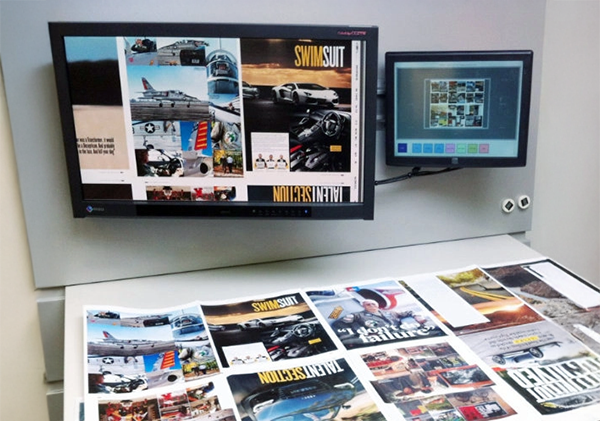
De-Imposition & Soft Proofing
De-impose press sheets for proofing as individual pages or page pairs.
- Utilise plate imposition signatures in standard industry formats, including JDF.
- Display colour accurate previews on-screen at full output resolution.
- Multi-resolution previews allow real-time zooming of large print areas.
- Preview spreads, signatures, back-page show-through, and individual ink channels.
- Ink Key Viewer helps the press operator set up press ink ducts and calculate ink use.
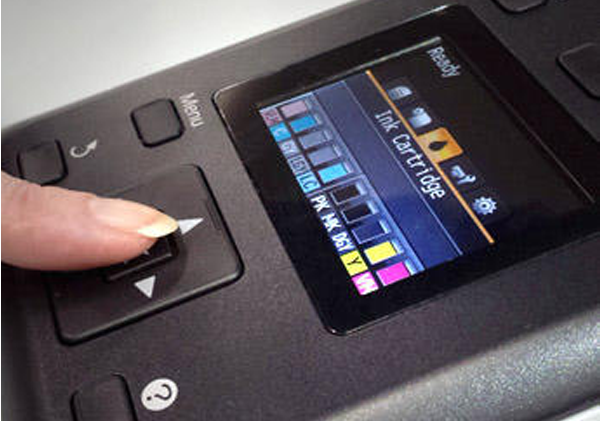
Printer Control
Blackmagic uses Paper Profiling to individually characterise print media. Ink limiting and dot selection save on ink use without compromising colour density.
- Choose printhead dot sizes and use intelligent ink limiting to achieve optimal colour densities, while using the least amount of ink.
- Linearise your print output using configurable gradation curves.
- Monitor your printer's current status, ink levels and remaining media.
- Print management and load balancing maximise productivity for one, or one hundred printers.

Unlimited Seats, Unlimited Printers
Blackmagic is a Server/Client based system supporting an unlimited number of local or networked clients at no additional cost.
- Client interface settings can be individualised or shared with other users.
- A Secure Mode option allows selective user access to functions and job information.
- Your software includes a printer driver suite that allows it to run an unlimited number of your chosen brand of printer.
Consultation Form
Ready to Transform Your Business?
Schedule a Free ConsultationFill out the form below and our team will contact you within 24 hours.